

Learning experience design
Enhancing customer service by mastering first impressions
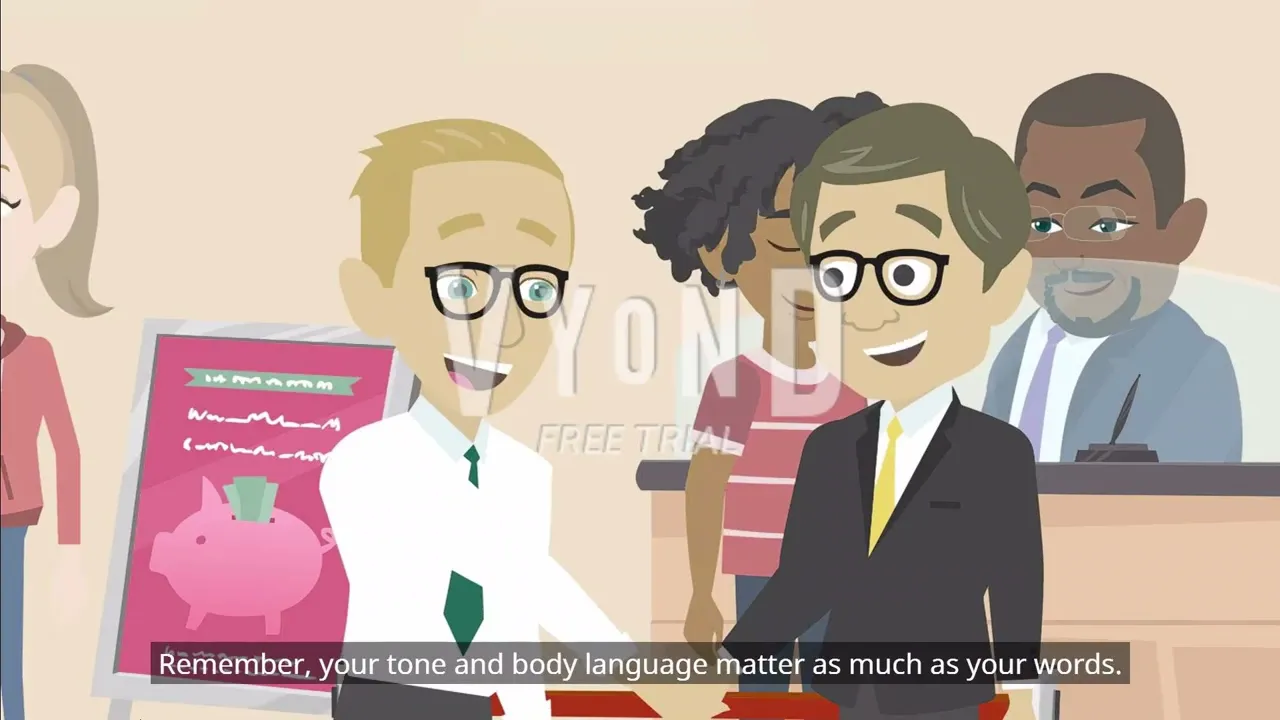
This animated training video leverages multimodal learning to empower bank branch employees with the skills needed to make a positive and lasting first impression. Combining visuals and auditory elements, the training boosts employees' confidence in face-to-face interactions, ultimately fostering customer retention.
Responsibilities
Instructional design
Video script development
Animated video creation
Video content editing
Tools
Vyond
Adobe Premiere Pro
Audience
Newly hired bank customer service representatives seeking guidance
The problem
New customer service representatives at the bank often face challenges in building confidence and recognizing how their demeanor and communication shape customer trust during face-to-face interactions.
Providing targeted training to address these gaps is crucial, enabling employees to leave lasting positive impressions, cultivate customer loyalty, and enhance the bank's reputation.
The solution
Learner persona
Based on my secondary research, I developed a learner persona to synthesize the most common characteristics of the target audience.
This persona serves as a reference point throughout the design and development process, helping me stay focused on the learners’ needs, preferences, and challenges.

Learning objectives
Following the Backward Design instructional design model, I started by mapping out the desired learning outcomes. This approach helps me to create training materials with learning goals in mind.
I created the following learning objectives, applying Bloom’s taxonomy to make them clear and concise:
Remember: List the three key behaviors for creating strong first impressions—warm greetings, clear speech, and attention to detail.
Understand: Describe how tone, body language, and attention to detail impact customer perceptions.
Apply: Implement these behaviors in face-to-face interactions to build trust and deliver excellent customer service.
Key design decisions
While designing and developing the training content, I made several key design decisions rooted in established learning theories and instructional design principles.
Design decision 1: Use conversational language
Learning theory used: Mayer’s principles of multimedia learning
According to the personalization principle from Mayer’s principles of multimedia learning, using conversational language makes learning content feel more engaging and less formal. I created an animated character who speaks directly to the audience in a friendly tone and kept the narration in the first person. For example, the character says:"Hi there, I'm Jordan. If you're new to customer service, welcome to the team. Let's talk about how to make a great first impression. It's easier than you think."
Design Decision 2: Make the Content Immediately Relevant
Learning theory used: Malcolm Knowles’ Adult Learning Theory (Andragogy)
Design Decision 3: Focus on a Maximum of 3 Key Points
Learning theory used: Cognitive Load Theory
Cognitive load theory emphasizes that working memory has a limited capacity, and overloading it can hinder learning. To prevent learners from becoming overwhelmed, I designed the video to focus on just 3 key ideas. This approach ensures the content is digestible and learners are more likely to retain the information.
Full video development
Learnings & insights
Keep accessibility in mind
Accessibility is a crucial aspect of learning design. I included closed captions for all spoken dialogue and offered a text transcript for those who prefer or need to read the content. Additionally, I wrote the script in plain language, avoiding jargon to ensure it’s easy to understand for all employees.
Use motion and animation purposefully
Purposeful motion reinforces key concepts and keeps the video engaging without overwhelming the viewer. For example, I animated key behaviors, such as a character smiling or shaking hands, to demonstrate engagement, while avoiding excessive animations that don’t align with the learning objectives.

